

Integration ScopeUpstash Datadog Integration only covers Pro databases, databases with the Production Pack, and those included in the Enterprise Plan.
Step 1: Log in to Your Datadog Account
- Open your web browser and navigate to Datadog.
- Log in to your Datadog account.
Step 2: Install Upstash Application
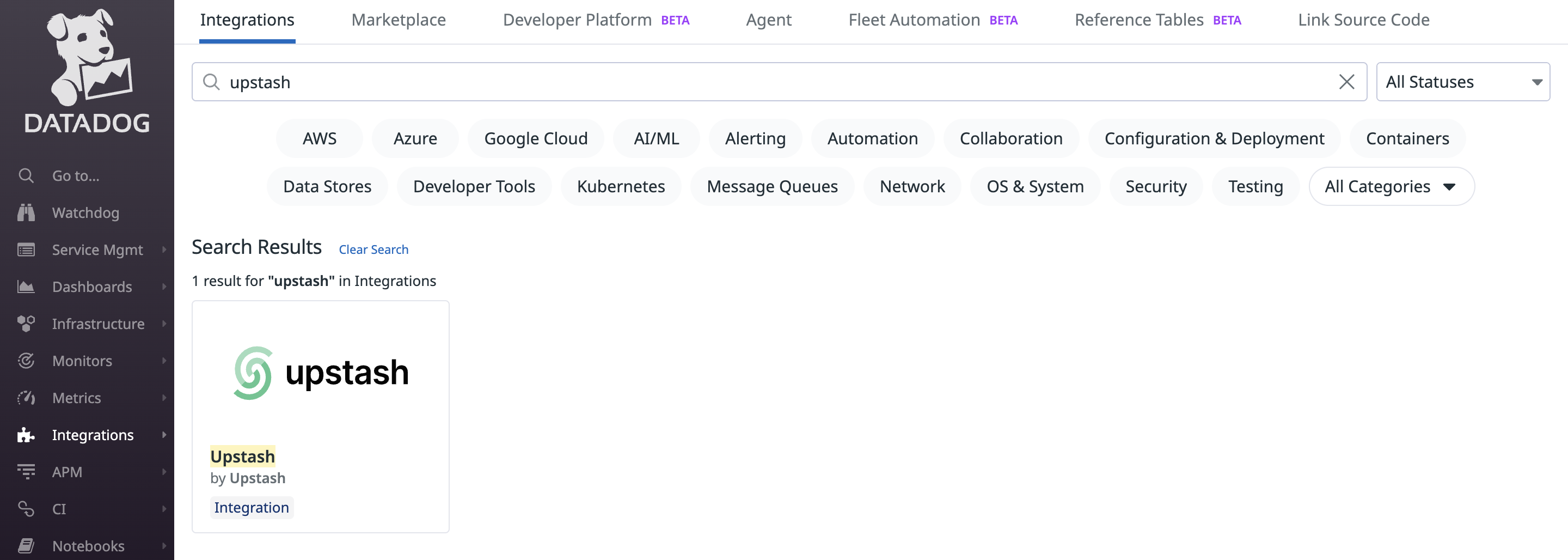
- Once logged in, navigate to the “Integrations” page in Datadog.
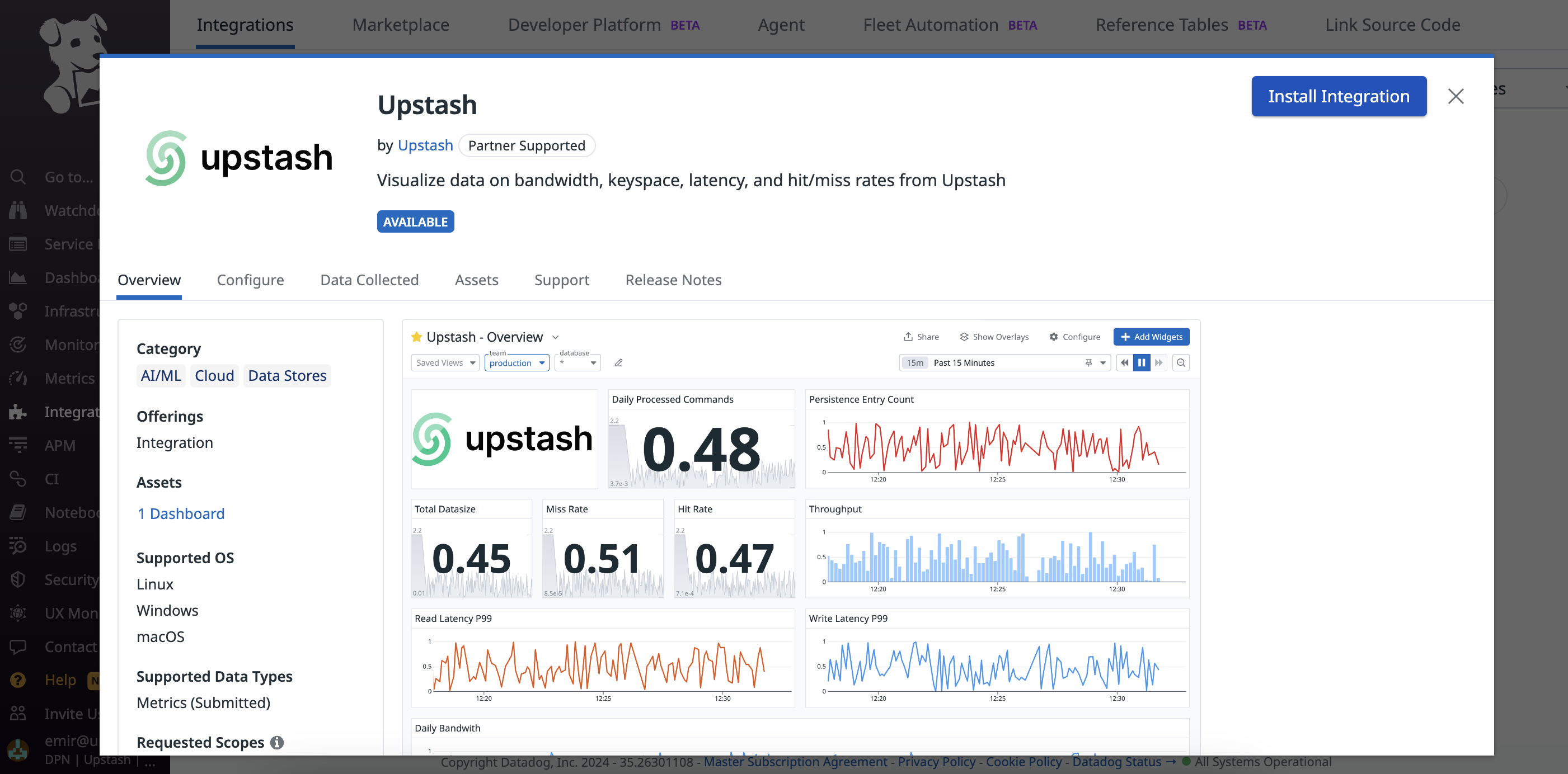
- Search for “Upstash” in the integrations list and click on it.
Step 3: Connect Accounts
After installing Upstash, click on the “Connect Accounts” button and Datadog will redirect you to the Upstash site for account integration.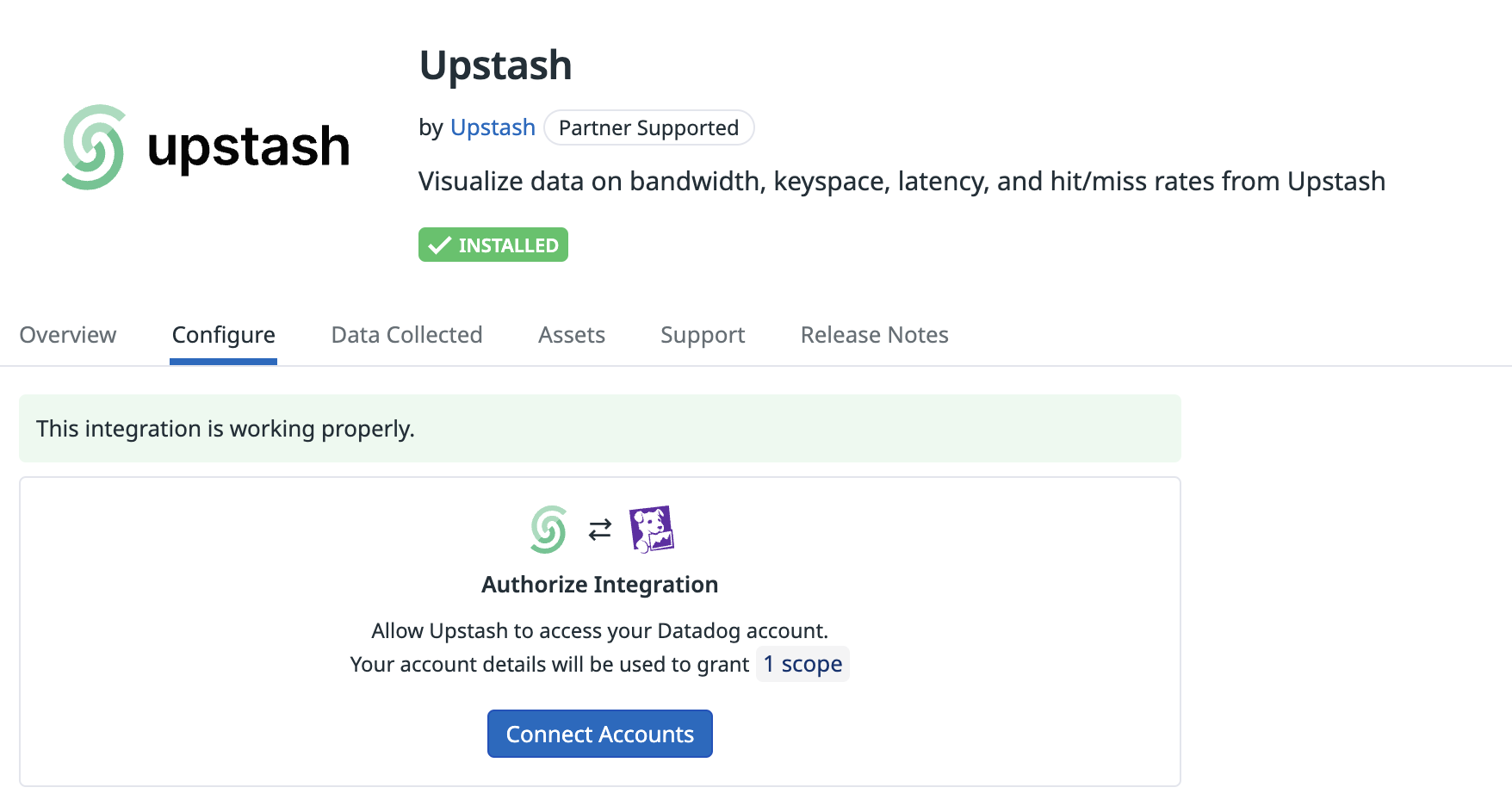
Step 4: Select Account to Integrate
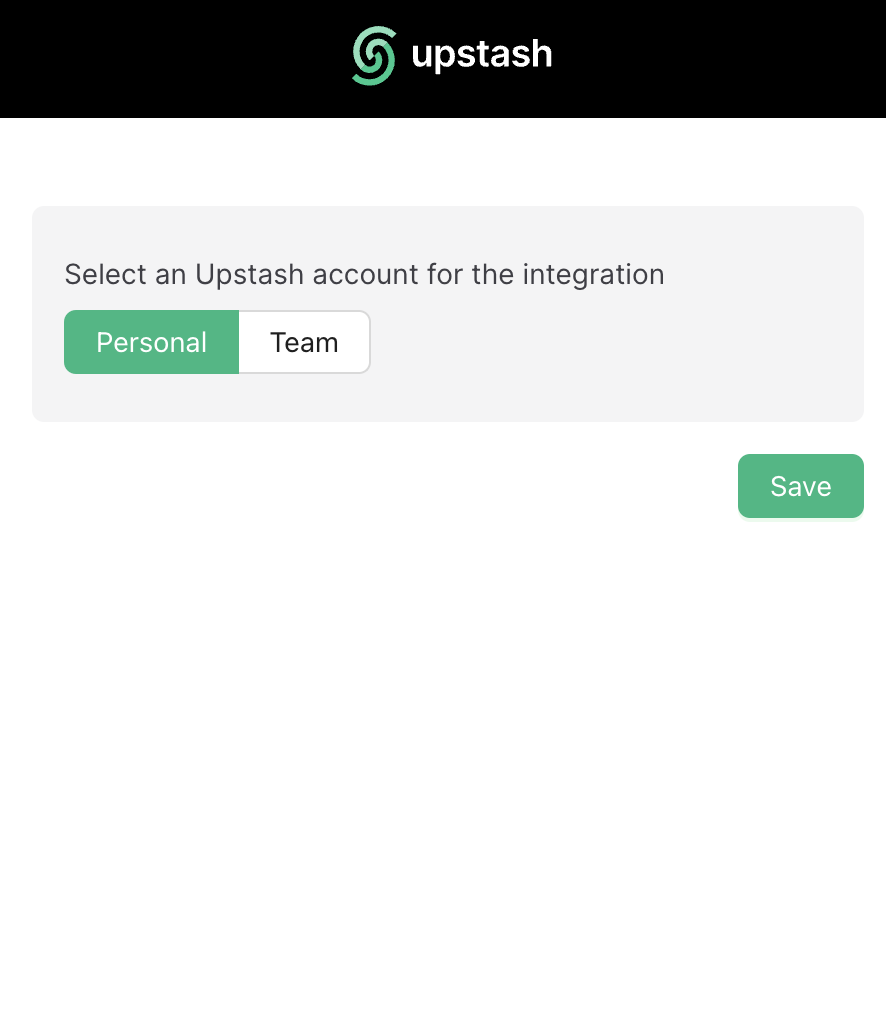
- On the Upstash site, you will be prompted to select the Datadog account you want to integrate.
- Choose the appropriate Datadog account from the list.
- This integration can only be executed only one time.If you would like to extend list of the team in integration please re-establish the integration from scratch.
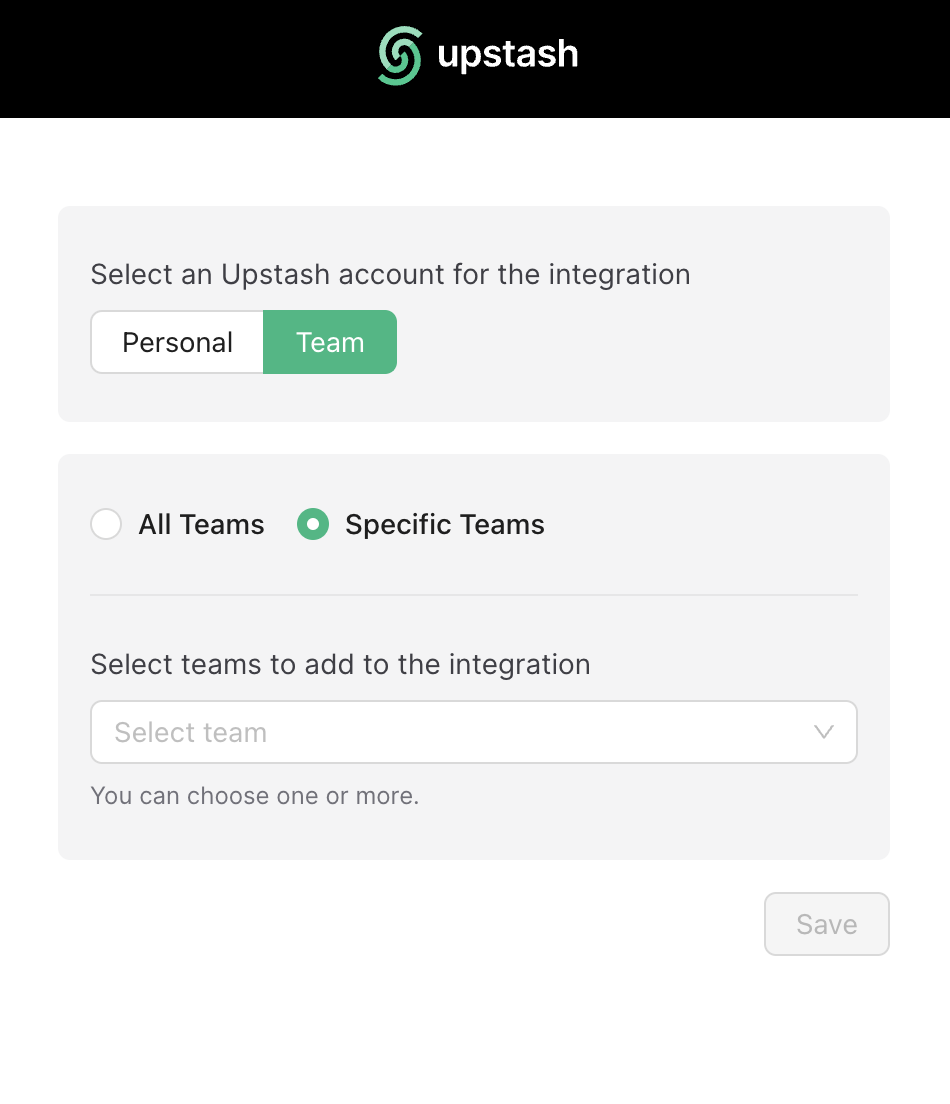
Step 5: Wait for Metrics Availability
Once you’ve selected your Datadog account, Upstash will begin the integration process and please be patient while the metrics are being retrieved. This may take a few moments. And here we go, metrics will be available in Upstash Overview Dashboard !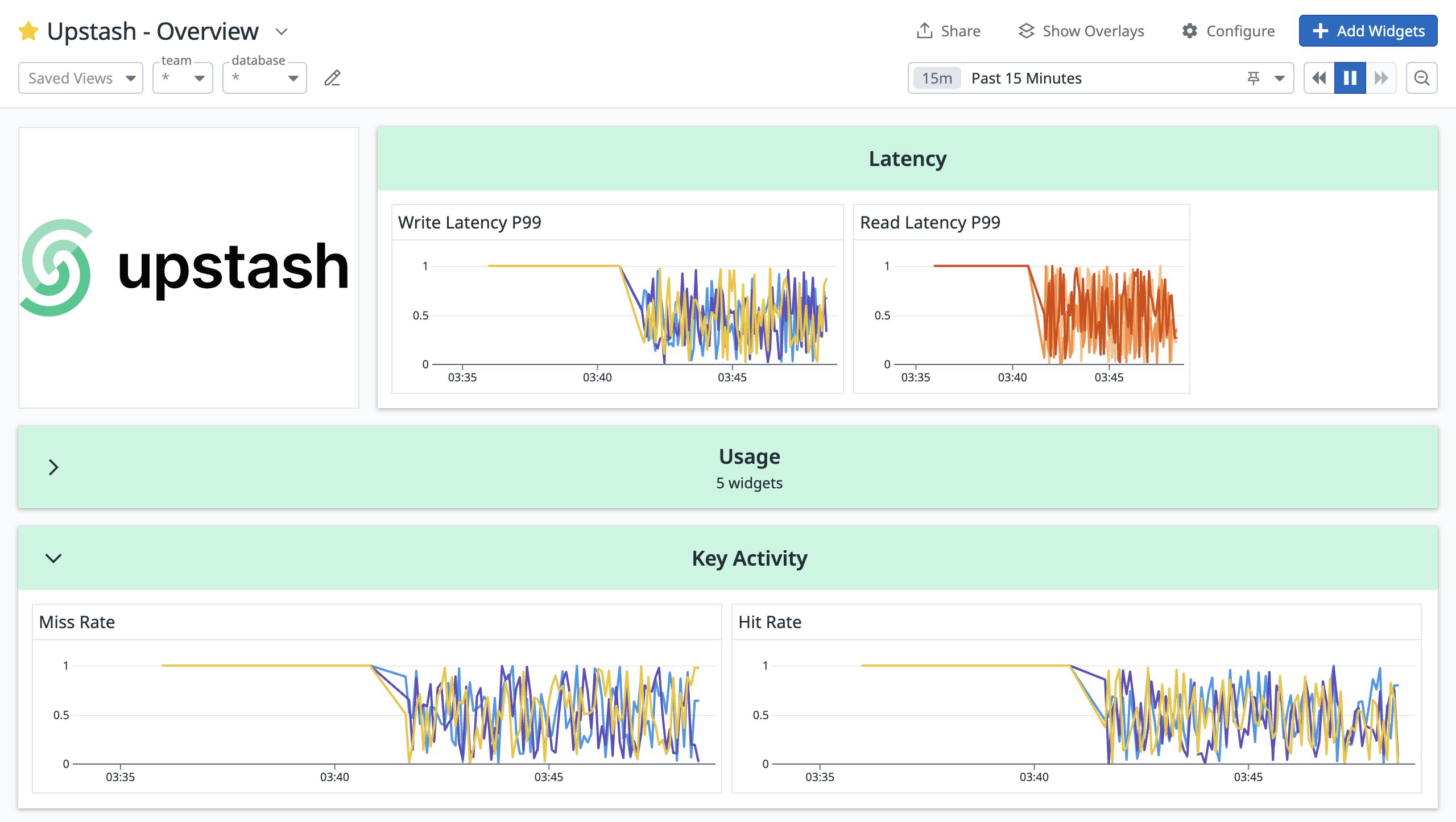
Step 6: Datadog Integration Removal Process
Navigate to Integration Tab on your Datadog account, Once logged in, navigate to the “Integration” tab and continue with Datadog part. If you would like to remove your integration between Upstash and Datadog account press “Remove”.Confirm Removal:
Upstash will suspend all metric publishing process after the you remove Datadog Integration. After removing the integration on the Upstash side, it’s crucial to go to your Datadog account and remove any related API keys or configurations associated with the integration.Metrics Published
Metrics arrive in Datadog underupstash.db.<metric> with team and database tags, refreshed every few minutes. Latencies are in milliseconds over the last ten minutes; a latency with no samples in that window is not sent.